
Joe Maring / Android Authority
TL;DR
- Google Wallet is finally rolling out a unified transaction history that combines payments from your Android phone and Wear OS smartwatch.
- The feature has been in the works since at least January, following Google’s efforts to expand Wallet’s search and transaction history.
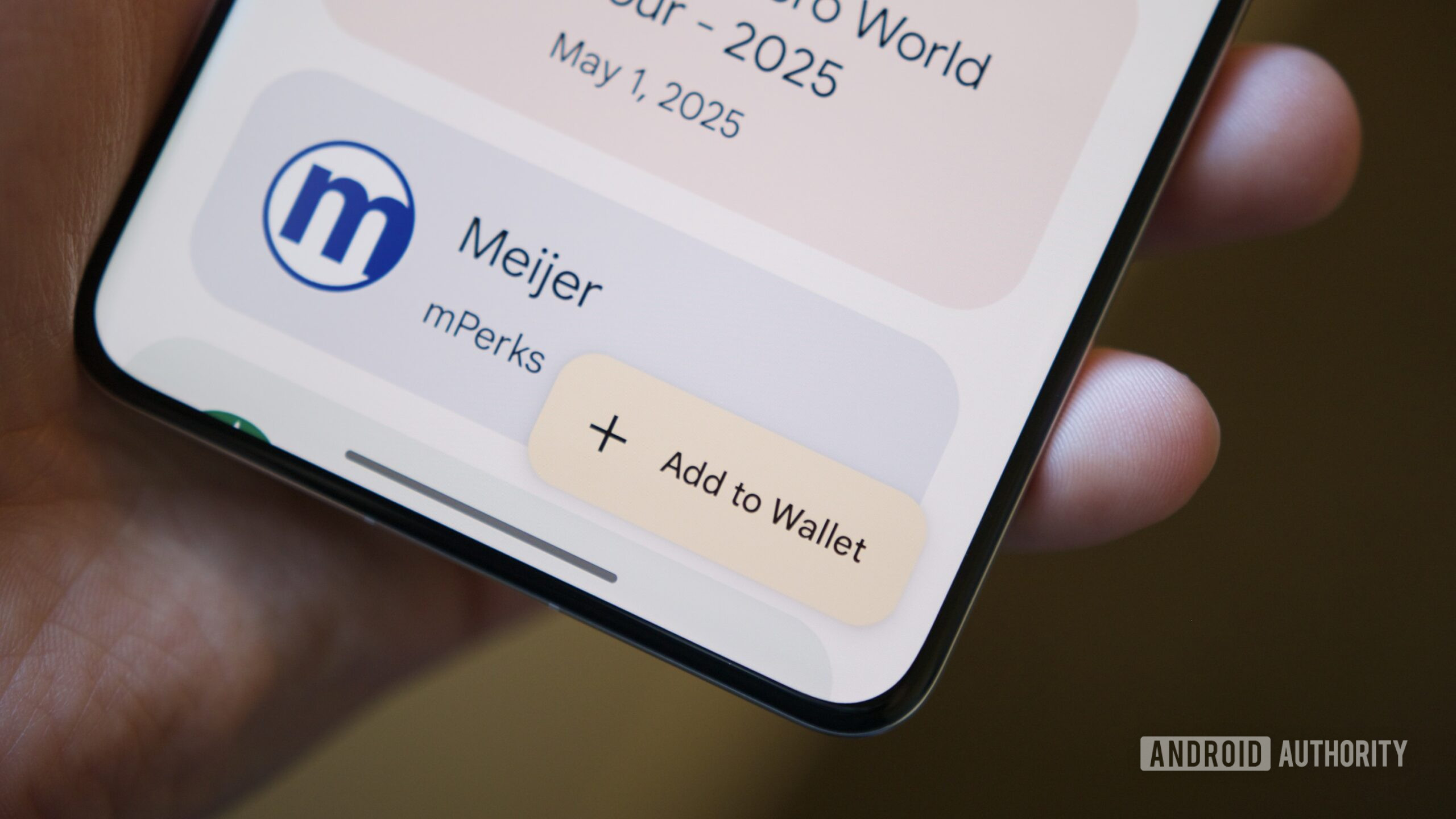
Google Wallet’s long-awaited unified transaction history is finally rolling out after months in the making. Since at least January, Google has been preparing the Wallet app on Android by expanding its search and transaction history, with early indications suggesting support for purchases made on multiple devices. The work is paying off now.
The app is beginning to display payments from your Wear OS smartwatch along with those from your phone, providing users a single location to review their spending (via 9to5Google). The end result is a much more complete transaction history without having to remember which device you tapped at the checkout.
The previous setup felt so disjointed. If you opened Google Wallet on your phone, you would just see the most recent tap-to-pay transactions from that specific device. Your smartwatch payments simply weren’t included, even if both devices were signed into the same Google account. The only way to gain a broader perspective was to use Google’s Wallet website, which already offered a consolidated transaction history.
This enhancement addresses an actual usability issue. A lot of Wear OS owners tap away at the watch and phone at different points in the day. When you split purchases, checking recent payments or confirming a transaction meant remembering which device you had used. Now it all appears in one timeline.
The rollout seems to be happening now so you may not see the expanded history right away if your device hasn’t received the update yet.
Thank you for being part of our community. Read our Comment Policy before posting.